
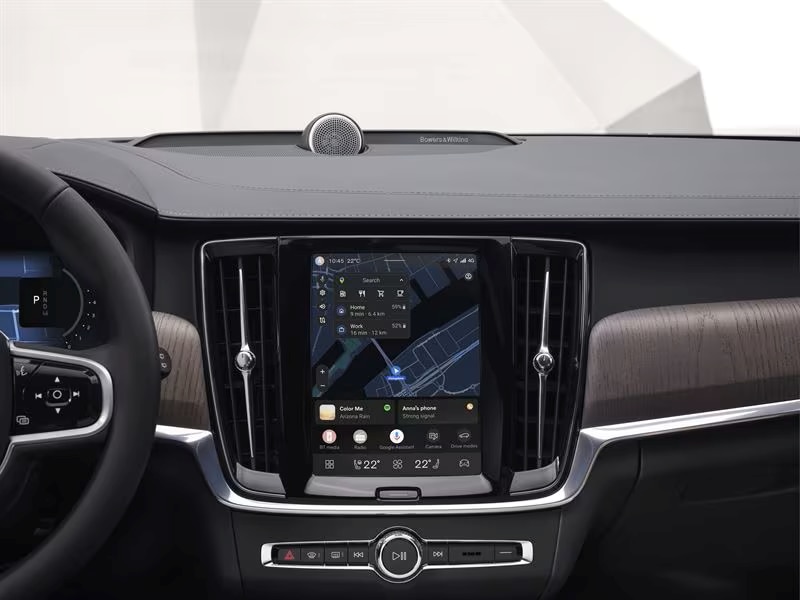
Volvo Over-the-Air software updates can help keep compatible vehicle systems current with the latest available features, improvements, and fixes without requiring a workshop visit for every update. When you install a new applicable update, previous software updates are generally included as well, so you don’t need to work through each missed release individually. Fields Volvo Cars Northfield explains how OTA updates work and what they can bring to your vehicle.
What are Over-the-Air Updates?
Over-the-Air software updates allow compatible Volvo vehicles to receive new software through an internet connection without requiring a workshop visit for every release. Depending on your model, model year, and vehicle specification, updates can add new functions, improve existing features, and deliver software refinements over time. Some updates may still require installation at a Volvo retailer or authorized workshop.
What Do the Updates Do?
Volvo typically releases software updates several times each year, with current guidance indicating about four releases annually. The contents vary by update and vehicle, but they can include new features, stability improvements, bug fixes, connectivity enhancements, and refinements to existing vehicle functions. When an update is available, you can review its release notes in the center display, Volvo Cars app, or Volvo Support website to see what is included.
Can Every Volvo Receive Over-the-Air Updates?
Over-the-Air update availability depends on your Volvo model, model year, current software, and market. Some software releases may only be available through a Volvo retailer or authorized workshop, and certain vehicles may need a workshop update before they become eligible for later OTA releases. You can check your vehicle for available software through the center display, Volvo Cars app, or Volvo Support.
How Do I Complete an Update?
When an Over-the-Air update is available for your compatible Volvo, you can receive a notification in the center display and Volvo Cars app. The vehicle may download the software automatically, but you’ll generally need to start or schedule the installation yourself. Installation requirements and timing vary by model, and you may be unable to use the vehicle while the update is being installed, so review the on-screen instructions and estimated installation time before beginning.
Learn More at Fields Volvo Cars Northfield, Near Chicago
If you have questions about Over-the-Air updates or need help with your vehicle’s software, the team at Fields Volvo Cars Northfield can assist. Some software updates may also require installation at a Volvo retailer or authorized workshop. Visit our dealership to learn more about your vehicle’s current software and available updates.